
Review gating means asking only happy customers for a public Google review while diverting unhappy customers elsewhere. Here is what Google actually prohibits, what remains compliant, and how to build a safer review request process.
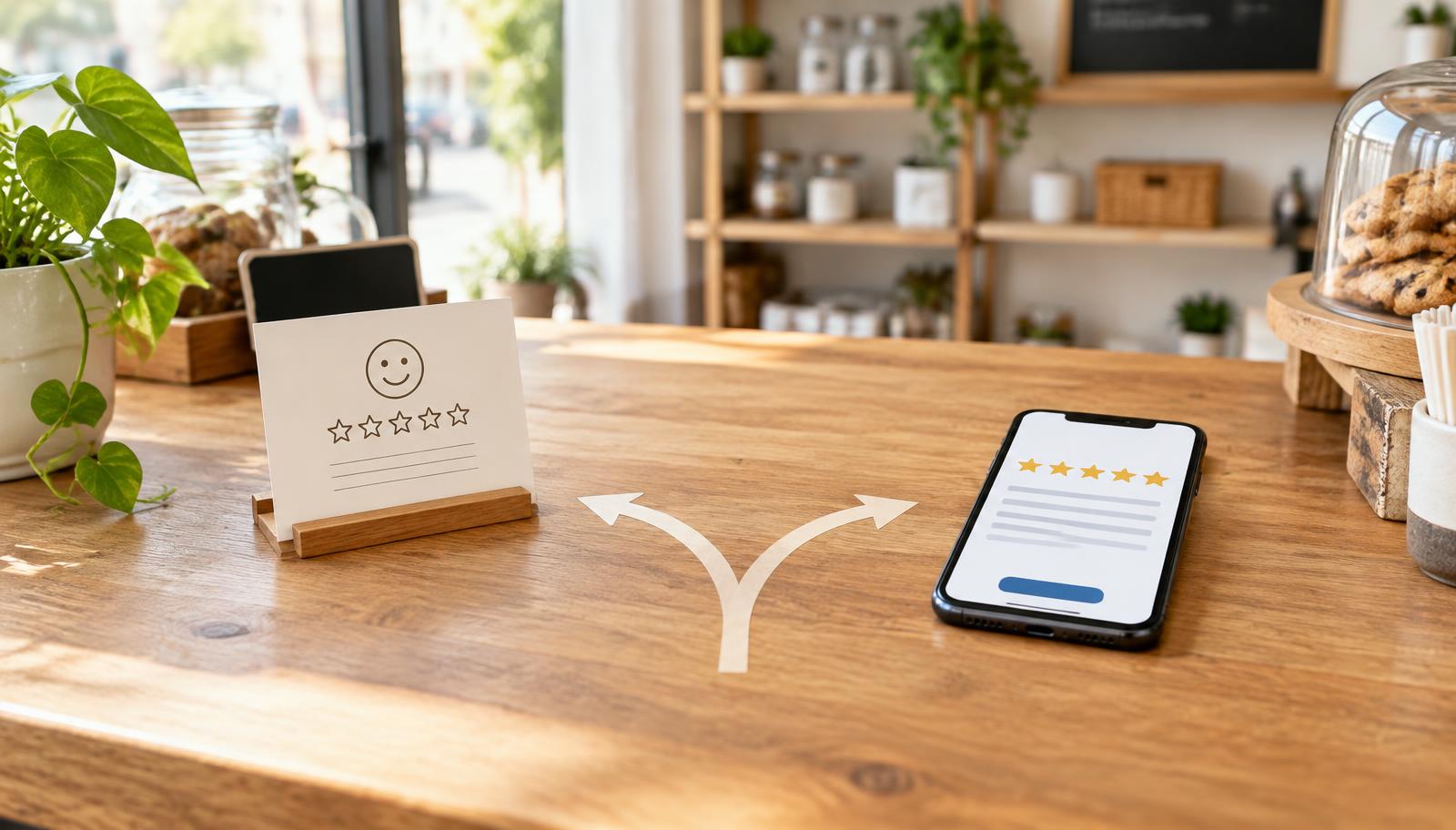
If your review process asks, “How was your experience?” and only sends the people who choose four or five stars to Google, that is review gating.
It may feel like sensible reputation management. You want to resolve unhappy customers privately and encourage happy customers to share their experience publicly. The problem is that the process changes who gets the opportunity to leave a public review. The rating stops representing a fair sample of customers and starts representing a filtered sample.
Google does not use “review gating” as the main heading of one standalone rule. Instead, the conduct falls under its rules about rating manipulation, fake engagement, and incentivized or biased reviews.
This guide explains the line in plain English, using Google’s own published policy language as the source of truth.
What is review gating?
Review gating is any process that checks a customer’s sentiment first, then decides whether that person should be encouraged to leave a public review.
The classic version looks like this:
1. A customer receives a text or email asking whether the experience was good or bad. 2. A positive response opens the Google review page. 3. A negative response opens a private feedback form, support ticket, or contact page.
The private feedback form is not the problem. Businesses should make it easy for customers to report a problem. The problem is using that feedback step as a gate that determines who receives the public review invitation.
Manual filtering can create the same issue. If employees are told to ask only customers who look happy, regular customers who have already complimented the business, or people expected to leave five stars, the business is still selectively soliciting positive reviews.
What Google’s policy actually says
Google’s Maps User Generated Content policy says merchants must not:
“Discourage or prohibit negative reviews, or selectively solicit positive reviews from customers.”
That covers most review-gating funnels.
Google’s rating manipulation definition is broader. It describes rating manipulation as:
“Any attempt to directly or indirectly influence the star rating of a place on the map through fake and misleading content.”
The definition includes pressuring customers for a particular rating and coordinating activity intended to unfairly raise or lower a place’s score.
This does not mean businesses are forbidden from asking for reviews. On the same prohibited-content page, Google expressly allows merchants to:
“Solicit or encourage the posting of content that does represent a genuine experience, without offering incentives to do so or attempting to influence the rating or the contents of the review.”
That is the safe center of the policy: ask for honest feedback from genuine customers, ask consistently, and do not influence what they write.
Review gating examples: allowed or not allowed?
| Review request practice | Likely status | Why |
|---|---|---|
| Send the same neutral Google review invitation to every customer after service | Allowed | No sentiment filter and no attempt to influence the rating |
| Ask “Were you satisfied?” and send only “Yes” responses to Google | Not allowed | Selectively solicits reviews from customers expected to be positive |
| Send unhappy customers to support and happy customers to Google | Not allowed | The private support path becomes a gate to the public review option |
| Offer 10% off for leaving any review, even an honest one | Not allowed | The benefit is tied to posting a review |
| Ask customers to mention an employee by name | Not allowed | It attempts to influence the contents of the review |
| Collect an internal satisfaction survey from everyone and separately invite everyone to review | Generally allowed | The survey does not decide who receives the review invitation |
| Put the same review link on every receipt or follow-up email | Allowed | Every customer has the same opportunity to share a genuine experience |
The important test is not whether you also collect private feedback. Ask this instead:
Would this customer receive the same public review opportunity if they told us they were unhappy?
If the answer is no, the process is probably gating.
Incentives are a separate problem
Review gating and incentivized reviews are related, but they are not the same violation.
A business can violate the incentive rule even if it asks every customer. Google’s incentivized or biased reviews policy says reviews are influenced when a reviewer receives a payment, discount, free product or service, “or any other benefit.”
Avoid offers such as:
- “Leave us a Google review for 10% off.”
- “Show us your review and get a free dessert.”
- “Post five stars to enter the giveaway.”
- “We will refund the service fee if you remove your negative review.”
Changing “positive review” to “honest review” does not make a reward safe. The incentive is still conditional on posting.
You may thank customers after they leave a review, but do not promise or advertise a benefit in exchange for the review. If you run a customer giveaway, entry should not depend on reviewing the business.
Do not pressure customers or script their reviews
Google also warns merchants not to require or pressure customers to post while they are still on the premises. A review kiosk passed from person to person at the counter can create pressure, and concentrated reviews from one device or location can also look unnatural.
Do not tell customers which rating to choose or what words to include. Phrases such as “Please give us five stars,” “Mention Sarah in your review,” or “Use the words best plumber in Dallas” attempt to shape the rating or content.
A better request is simple:
Thank you for choosing us. If you have a moment, would you share an honest review of your experience? Your feedback helps other local customers make an informed choice.
Then provide a direct link. The free Google Review Link Generator creates the correct link and QR code without pre-writing the customer’s opinion.
What about employees, relatives, and competitors?
Google’s fake-engagement rules also address conflicts of interest. A review should represent a genuine customer experience, not a personal or professional interest in changing a business’s score.
Do not build a campaign around reviews from:
- Employees or contractors reviewing their own workplace.
- Owners, family members, or close associates reviewing the business.
- Agencies reviewing a client they actively manage.
- Competitors posting negative reviews.
- People who never bought from or interacted with the business.
An agency can help a client build the request process, write neutral invitation copy, and monitor responses. The agency should not manufacture the reviews.
A compliant review request workflow
A safe workflow is less complicated than most reputation software makes it look.
1. Define a real customer event
Trigger the request after a genuine interaction: a completed appointment, delivered order, closed service ticket, attended event, or completed purchase.
Do not send review requests to scraped contacts, purchased lists, or people who only became a lead.
2. Send the same neutral invitation
Every eligible customer should receive substantially the same invitation on the same schedule. Do not branch based on a satisfaction score, an employee’s judgment, or language that predicts whether the person will be positive.
3. Make public review and private help independently available
It is good customer service to include both:
- A direct link where anyone can leave an honest Google review.
- A support email, phone number, or feedback form where anyone can get help.
Present both options to everyone. Do not hide the review link after a negative answer.
4. Follow up without pressure
One polite reminder is usually enough. Repeated messages can feel coercive and damage the customer relationship even when they do not technically force a rating.
5. Respond to reviews instead of filtering reviewers
A critical review is not automatically harmful. A calm, specific response shows future customers that the business listens and fixes problems. When a review genuinely violates Google’s content rules, use Google’s process to report an inappropriate review. Do not offer a reward for removal.
6. Measure the process honestly
Track invitation delivery, link clicks, new reviews, response rate, average rating, and the themes in customer feedback. Do not judge employees only by how many five-star reviews name them; that can pressure staff to shape customer responses.
To estimate how additional genuine reviews could affect visibility and customer decisions, use the Google Review Calculator. It is a planning tool, not a promise of a particular result.
How to fix a review-gating funnel
If your current system filters people, do not panic and do not ask customers to change or delete genuine reviews. Fix the process going forward.
1. Turn off the sentiment branch. Stop using a star score, thumbs-up button, or NPS response to decide who sees Google. 2. Create one universal request. Send the same neutral invitation to every eligible customer. 3. Keep support open to everyone. Add a private help option beside the public review invitation, not in place of it. 4. Remove incentives. End coupons, gifts, drawings, or employee rewards that depend on reviews. 5. Rewrite the message. Ask for an honest account of the experience rather than five stars or named talking points. 6. Check every channel. Review email, SMS, printed cards, QR codes, receipts, tablets, automations, and scripts used by front-line staff. 7. Document the policy for employees and clients. A compliant automation can still fail if staff verbally ask only happy customers.
If you use printed material, the Google Review QR Code Maker can give every customer the same direct path. The How to Leave a Google Review guide can help customers who are confused without telling them what rating to choose.
What can happen if a business gates reviews?
The most immediate outcome is that reviews identified as policy-violating may be removed or never published.
The risk is not limited to one review. Google’s Business Profile policy overview says that when a merchant shows a pattern of policy violations, Business Profile access may be restricted and content from the restricted account may be rejected.
No ethical agency should promise that every gated review will disappear, that a profile will definitely be suspended, or that a specific penalty will happen on a fixed timeline. Enforcement varies. The sensible response is to stop the non-compliant process before it becomes a pattern.
A simple compliance checklist
Before launching a review campaign, answer these questions:
- Does every eligible customer receive the same review opportunity?
- Can an unhappy customer still reach the Google review link?
- Is the request free of discounts, prizes, gifts, or other benefits?
- Does the wording ask for an honest experience rather than a positive rating?
- Are customers free to review later, from their own device, without pressure?
- Are employees and agencies prohibited from writing reviews for the business?
- Is private support available without replacing the public review option?
- Are staff measured on service quality rather than five-star review quotas?
If all eight answers are yes, the campaign is much closer to the behavior Google expressly allows.
The bottom line
Google is not banning review requests. It is drawing a line between asking for honest customer experiences and engineering a higher score by controlling who gets asked.
Ask every real customer. Use neutral language. Offer no reward. Keep the public review link available regardless of sentiment. Give everyone a separate path to get help. That approach is simpler, more credible, and safer than a funnel designed to hide dissatisfied customers.
Sources
- Google Maps User Generated Content: Prohibited and restricted content
- Google Maps UGC Policy glossary: Rating manipulation
- Google Maps UGC Policy glossary: Incentivized or biased reviews
- Google Business Profile policy overview
- Google Business Profile Community: Review gating example — community discussion, not an official policy ruling
- Google: Report inappropriate reviews
Policy pages and wording checked September 30, 2026. Google can update its policies; review the linked source pages before launching or changing a campaign.
Join the free Jumpstart community and grab the extended GHL trial.
The full unbranded video library - 62 videos in one GHL install, plus the Jumpstart community.
Request your invite to my private GoHighLevel community
Over 1,700 agencies, beginners, and business owners sharing what actually works in GoHighLevel. Drop your email and I'll send your invite.